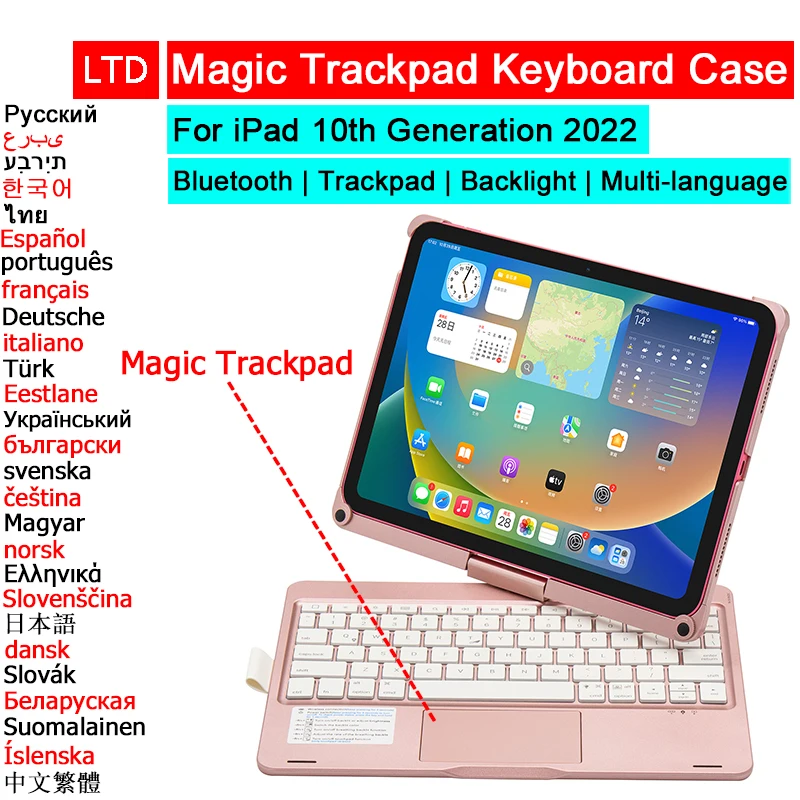
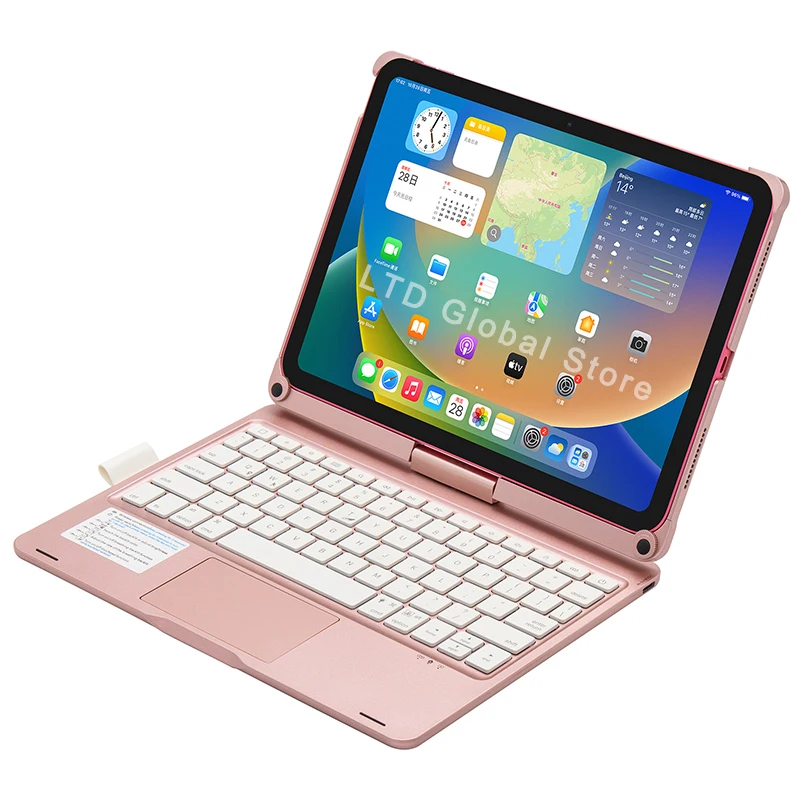
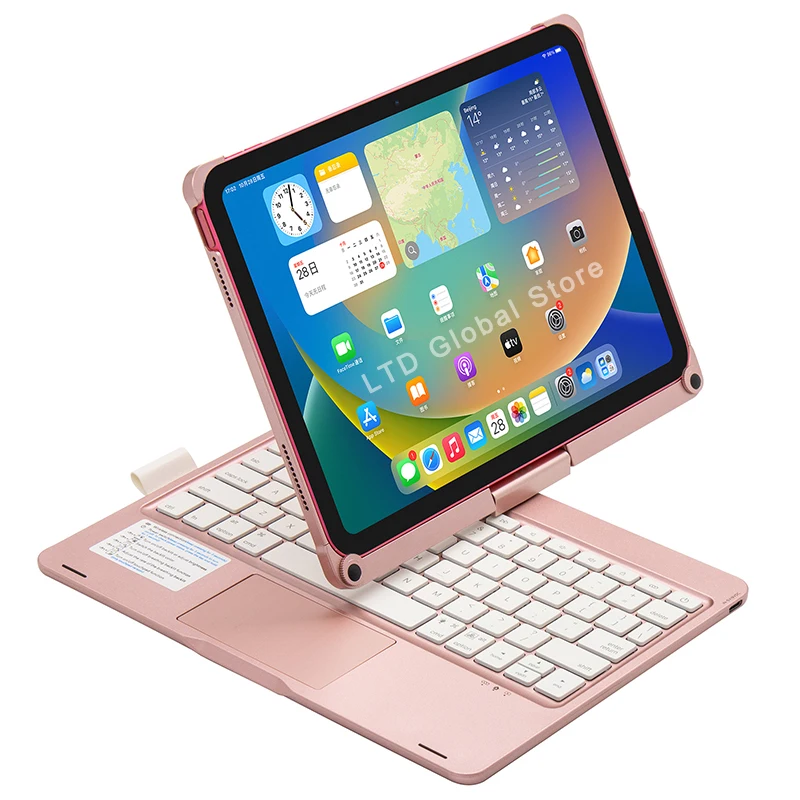
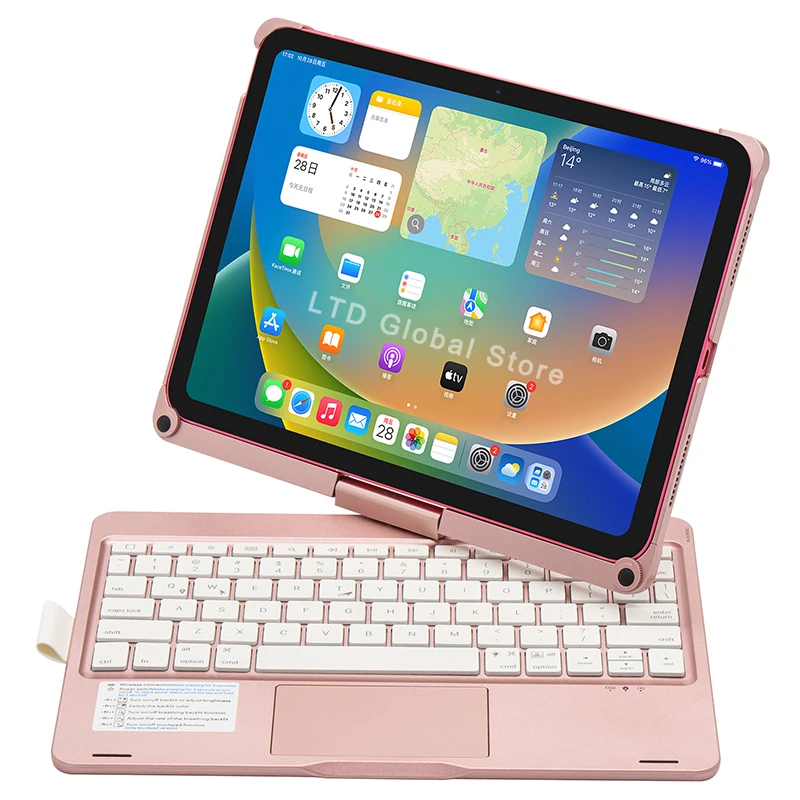
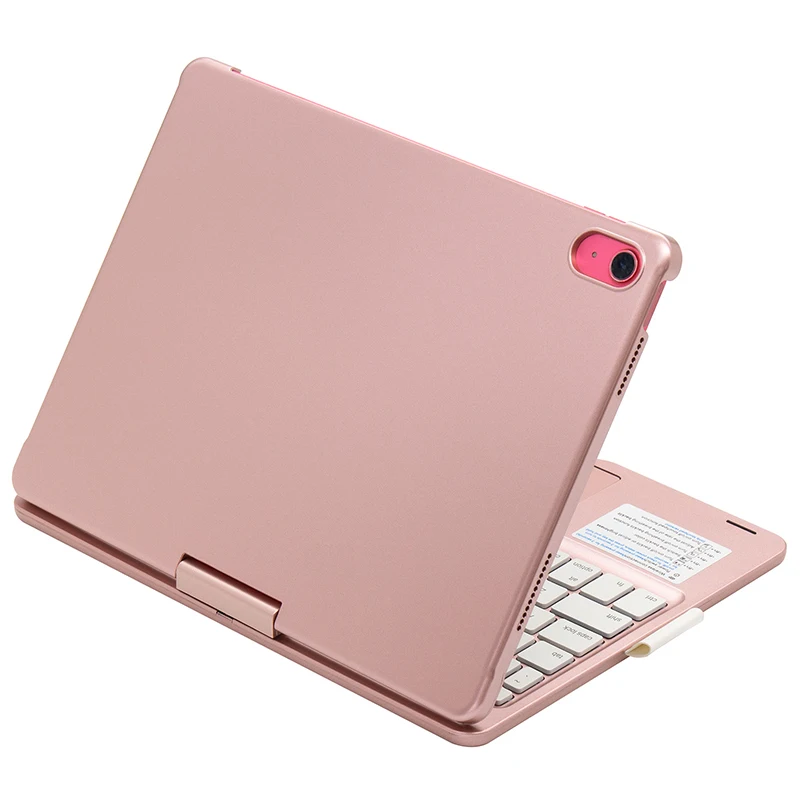
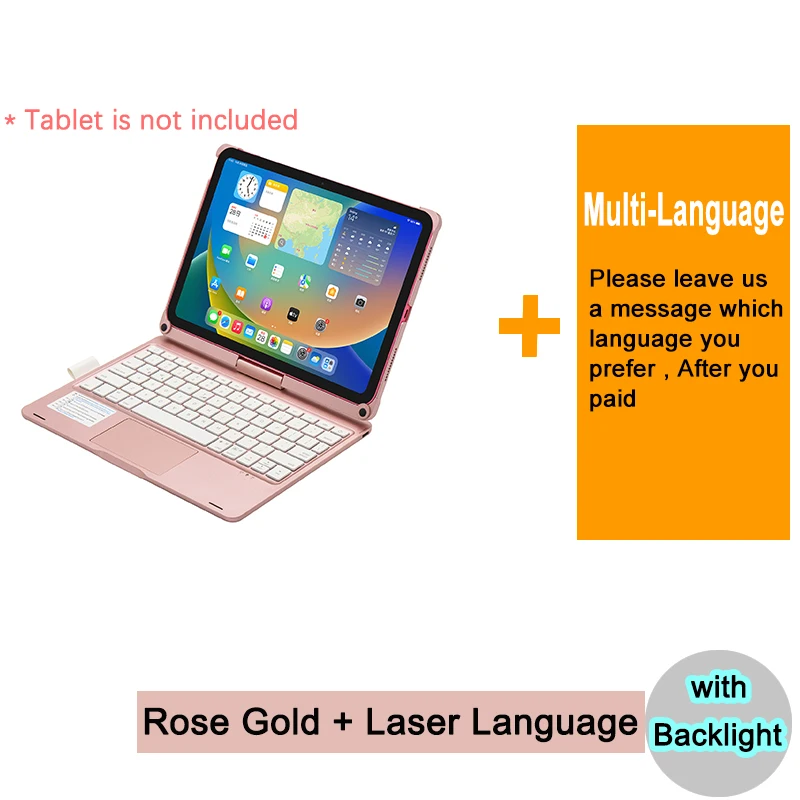
Bluetooth Magic Keyboard Case for iPad 10th 11th Generation A16 2025 11 inch Tablet Case Russian Arabic Spanish Keyboard

Reviews | Questions & Answers
AU $159.04 ~ 171.94
Price includes 10% AU GST

Color :
Size :
Quantity
In Stock. Ships in 24 hours
Shipping: AU $0.00
Estimated Delivery on -
Secure Payment
Multiple payment options
Customer Service Guarantee
DOA Guarantee Missing/Wrong Items Guarantee Quality Guarantee No Reason Returns
Specifications
Brand Name
NONE
Battery Included
Yes
Application Laptop Size
11"
Material
PC
High-concerned chemical
None
Type
With Keyboard
Style
Business
Model Compatibility
iPad11(A1 62025)
Package
Yes
Feature
Hard
Pattern Type
Solid
Compatible Brand
For Apple iPad
Bluetooth Keyboard
Yes
Operating distance
10 meters
Modulation system
GFSK
Working Voltage
3.3-4.2V
Charging Current
250 mA
Standby Time
60 days
Working time ( with light on )
less 5 hours
Working time ( with light off )
80 hours
Charging Time
less 3 hours
Lithium battery capacity
500 mAh
Key life
5 million strokes
Working Temperature
0 to 55 degree
360 degree rotation case
Yes
Charging interface
Type C
Lithium Battery Life
3 years
Magic Trackpad
Yes
Gesture function
Support
Rechargeable
Yes
With Backlight
Yes
Backlight Color
White and Rainbow
Control + Space Bar
Switch language
Fn + T
Turn on/off Trackpad
Fn + Q
Control breathing lamp switch
Fn + W
Control the speed of breathing lamp
cmd + A
Selection all
cmd + C
Copy
cmd + X
Cut
cmd + V
Paste
Input
5V/9V
1 Finger (Trackpad Gesture) 1
Tap
1 Finger (Trackpad Gesture) 2
Go to the home screen
1 Finger (Trackpad Gesture) 3
Tap and hold
1 Finger (Trackpad Gesture) 4
Open [Control Center]
1 Finger (Trackpad Gesture) 5
Drag
1 Finger (Trackpad Gesture) 6
Open [Notification Center]
1 Finger (Trackpad Gesture) 7
Open the Dock
2 Fingers (Trackpad Gesture) 1
Scroll up or down
2 Fingers (Trackpad Gesture) 2
Scroll left or right
2 Fingers (Trackpad Gesture) 3
Zoom
2 Fingers (Trackpad Gesture) 4
Turn on the Today view
2 Fingers (Trackpad Gesture) 5
Open search from home screen
2 Fingers (Trackpad Gesture) 6
Auxiliary tap
3 Fingers (Trackpad Gesture) 1
Go to the home screen
3 Fingers (Trackpad Gesture) 2
Open the APP switcher
3 Fingers (Trackpad Gesture) 3
Switch between open apps
Operating system
iOS 15.0 and above
Multi-language 1
English + Russian
Multi-language 2
English + Arabic
Multi-language 3
English + Hebrew
Multi-language 4
English + Korean
Multi-language 5
English + Thai
Multi-language 6
English + Spanish
Multi-language 7
English + Portuguese
Multi-language 8
English + Brazilian Portuguese
Multi-language 9
English + French
Multi-language 10
English + Swiss French
Multi-language 11
English + German
Multi-language 12
English + Swiss German
Multi-language 13
English + Italian
Multi-language 14
English + Estonian
Multi-language 15
English + Ukrainian
Multi-language 16
English + Bulgarian
Multi-language 17
English + Swedish
Multi-language 18
English + Norwegian
Multi-language 19
English + Czech
Multi-language 20
English + Greek
Multi-language 21
English + Japanese
Multi-language 22
English + Slovenian
Multi-language 23
English + Turkish
Multi-language 24
English + Hungarian
Multi-language 25
English + Danish
Multi-language 26
English + Slovak
Multi-language 27
English + Finnish
Multi-language 28
English + Belarusian
Multi-language 29
English + Traditional Chinese
Multi-language 30
English + Polish
Multi-language 31
English + Icelandic
Multi-language 32
English + Lithuanian
4368 Sold
Reviews
0 out of 5
See all 0 Reviews
5 star
1 (50%)
4 star
1 (50%)
3 star
0 (0%)
2 star
0 (0%)
1 star
0 (0%)
Checking product compliance...
Enquiry
Ask a Question
captcha